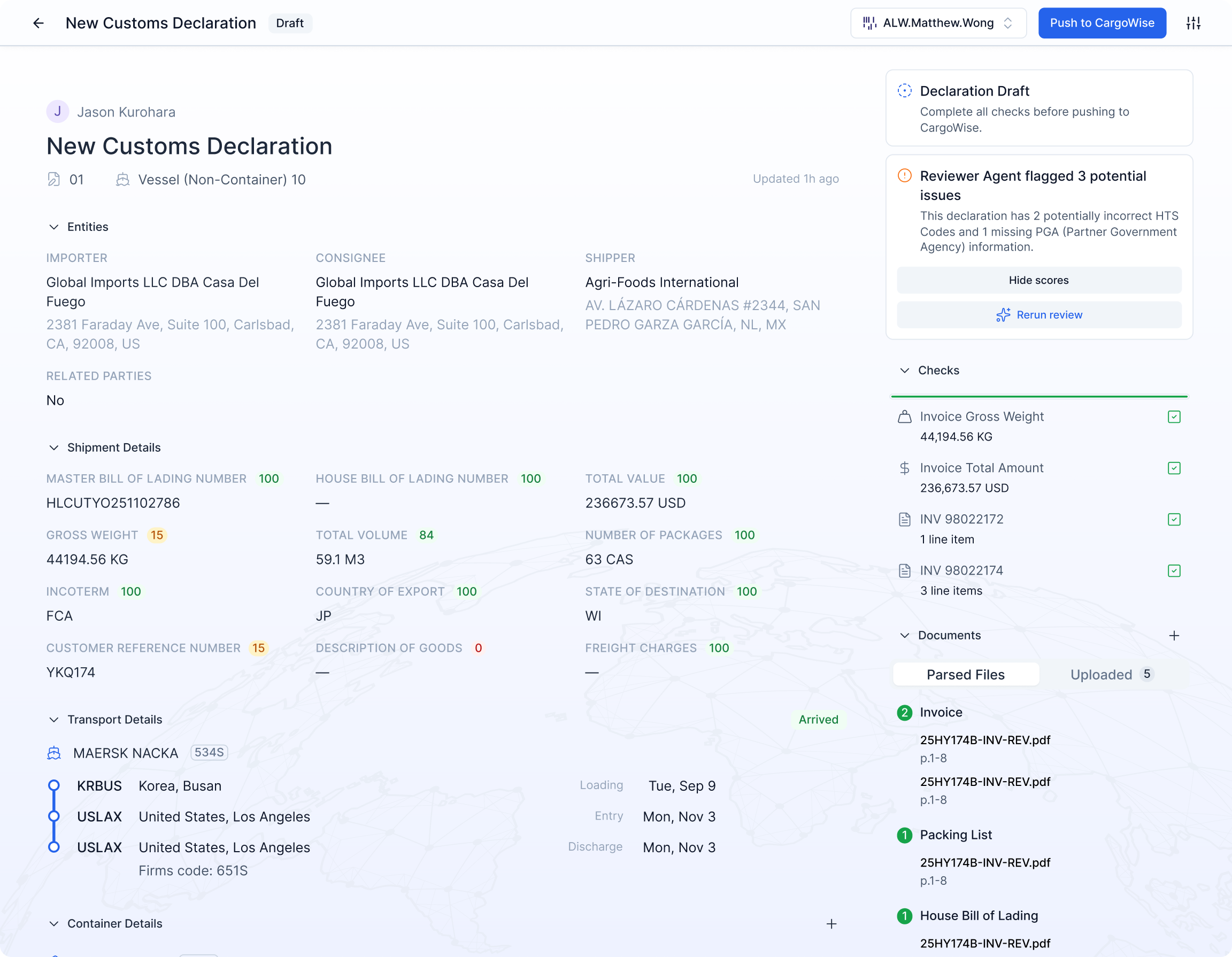
Cervo AI automatically splits invoice lines into steel and non-steel components, calculates prorated values and weights, and applies the correct Chapter 99 tariff codes. No more manual math. No more missed codes.
If you are a customs broker handling steel imports into the United States, you already know that Section 232 tariffs have created one of the most labor-intensive requirements in entry writing. Every product that contains steel must have its steel content reported on a separate line within the customs entry, distinct from the non-steel portion. This process is commonly known as a steel split.
Under Section 232, a 25% tariff applies to imported steel articles. But the tariff does not simply apply to goods classified under steel HTS codes. It extends to any product that contains steel as a component, meaning that a single invoice line for an automotive part, industrial valve, or piece of machinery may need to be broken into two or more lines on the 7501 customs entry: one for the steel portion and one for everything else.
Each split line requires its own prorated value, its own weight calculation, and its own set of tariff codes, including the appropriate Chapter 99 codes that stack on top of the underlying HTS classification. The specific Chapter 99 code depends on the country of origin: for example, 9903.80.01 applies to steel from most countries, while 9903.80.02 applies to steel from countries subject to quota arrangements. Getting the code wrong means compliance risk and potential penalties.
For guides on Section 232 and steel splits, see our resources.
Section 232 also affects aluminum. Section 232 imposes a 10% tariff on aluminum imports, and the same splitting logic applies. Cervo handles aluminum splits and combined steel-plus-aluminum splits using the same automated workflow described on this page.
Steel splits are not conceptually difficult. The math is straightforward: if a part is 40% steel by value, then 40% of the invoice line value goes to the steel line and 60% goes to the non-steel line. The same logic applies to weight. But the challenge is not the formula. It is the volume, the variability, and the number of places where errors can creep in.
Consider a typical entry for an automotive parts shipment. The commercial invoice might contain 30 to 50 line items, each with a different part number. Some parts contain steel, some do not. Some contain both steel and aluminum. The steel percentage varies by part. For each part that requires a split, the entry writer must:
Multiply this process across every steel-containing line on every entry, across every shipment, every day. For brokers handling significant steel import volume, steel splits alone can consume hours of an entry writer's day.
Cervo approaches steel split automation by combining a structured parts library with AI-driven document extraction. The result is a system that learns your parts, recognizes them on incoming documents, and applies the correct steel split logic without manual intervention.
Upload a CSV or manually enter your part numbers along with their steel content data. For each part, you can store the steel percentage, the steel value per piece, or the steel weight per piece. You can also store aluminum percentages for parts that contain aluminum. The parts library supports both percentage-based splits (for example, 35% steel) and absolute value splits (for example, $2.40 of steel per piece). Once a part is in the library, its steel data is available for every future entry.
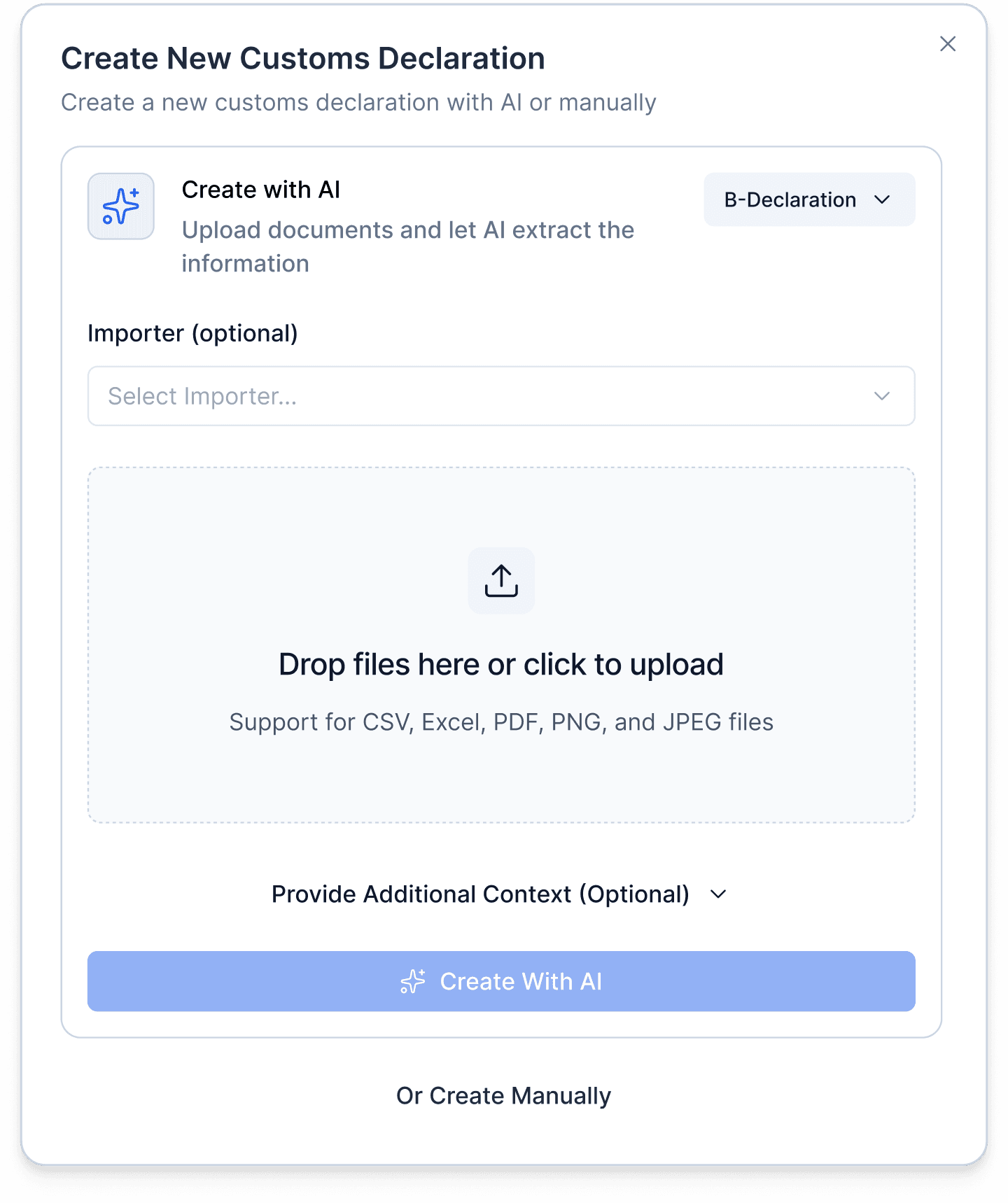
When you upload a commercial invoice, packing list, or other entry documents, Cervo's AI extracts part numbers, quantities, values, and weights from the document. It then matches each extracted part number against your parts library. When a match is found and that part has steel split data, the system flags it for automatic splitting.
For each flagged part, Cervo creates two entry lines: the steel line and the non-steel line. The system calculates the prorated value and weight based on the quantity extracted from the document and the steel data stored in the parts library. If the steel content is expressed as a percentage, the system applies that percentage to the total line value. If it is expressed as a value per piece, the system multiplies by the quantity. The non-steel line receives the remainder.
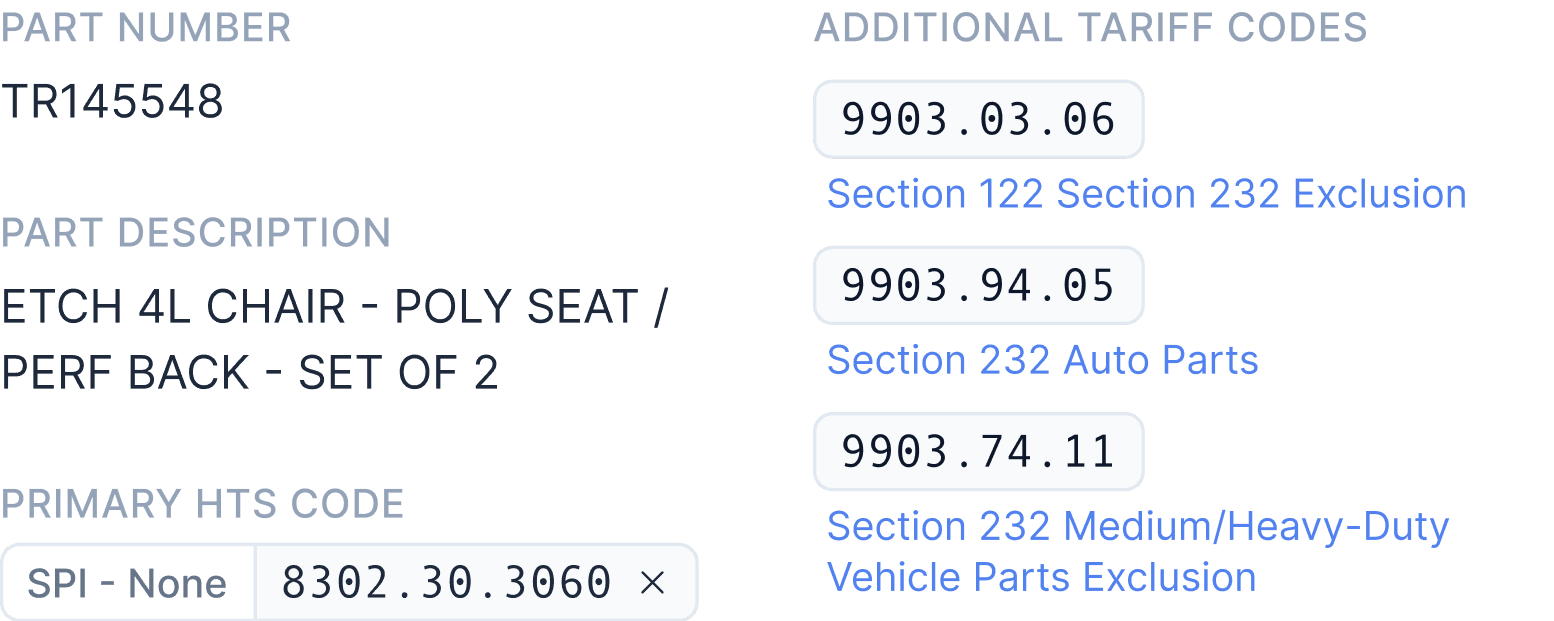
The steel line is assigned the correct HTS code for the steel component, along with the appropriate Chapter 99 code. Cervo applies country-of-origin-dependent logic: for example, it distinguishes between 9903.80.01 and 9903.80.02 based on the melt-and-pour country. If the product is also subject to AD/CVD duties, those codes are stacked on the steel line as well. The non-steel line retains its original classification.
Each steel split extraction includes a confidence score, so entry writers can see at a glance how reliable the AI's match was. If the confidence is high, the writer can accept the split and move on. If the confidence is lower, they can review and adjust the steel percentage, quantity, or value directly in the UI before finalizing the entry.
The parts library is the foundation of Cervo's steel split automation. It works as a centralized repository of part-level data that the AI references every time it processes a document. Here is what it supports:
Steel split data does not always come from the same place, and Cervo accommodates all the common sources:
The same parts library structure supports aluminum percentages and values. For parts that contain both steel and aluminum, Cervo creates three lines: a steel line, an aluminum line, and a non-steel/non-aluminum line. Each receives the correct prorated values, weights, and Chapter 99 codes. This is particularly common in automotive and aerospace imports where components contain multiple regulated metals.
Flexibility built in: Entry writers can adjust any steel split directly in the Cervo UI. If a percentage changes for a specific shipment or a new supplier provides different steel content data, the writer can override the parts library value for that entry without altering the stored data. This gives your team the efficiency of automation with the control of manual review when needed.
One of the most error-prone aspects of manual steel splits is assigning the correct Chapter 99 code. The code is not universal. It depends on where the steel was melted and poured, and U.S. trade policy applies different treatment to different countries.
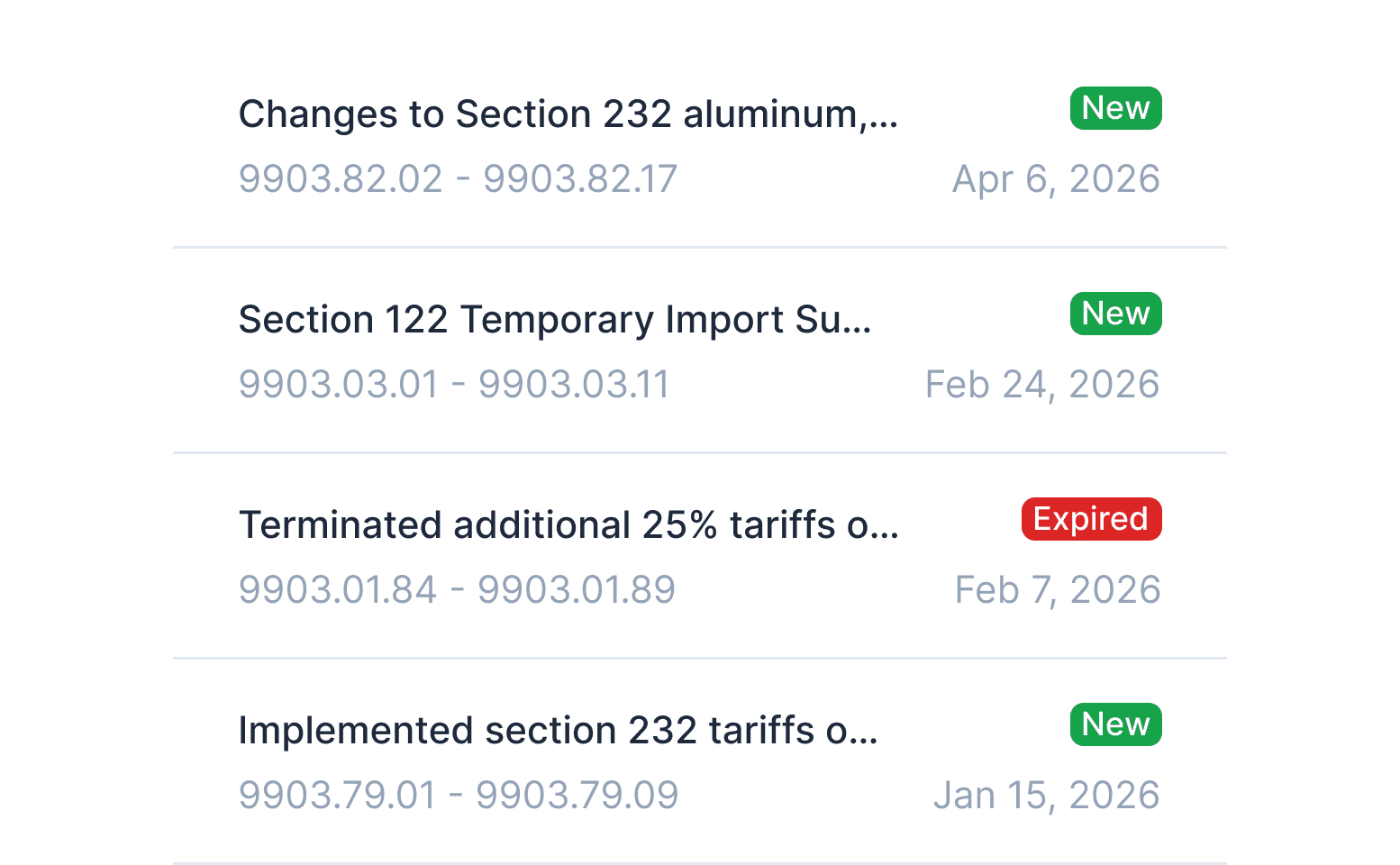
For example, steel from countries under general Section 232 tariffs receives the code 9903.80.01, while steel from countries subject to alternative arrangements may receive 9903.80.02 or another variant. These codes have changed over time as trade agreements have been negotiated and revised, which means brokers must stay current on which code applies to which country.
Cervo automates this by evaluating the country of origin associated with each line item and applying the correct Chapter 99 code based on current trade policy. When combined with the steel split itself, this means the entry writer receives a fully constructed steel line with the right HTS code, the right Chapter 99 code, the right value, and the right weight, all without manual lookup.
For products also subject to antidumping or countervailing duties, Cervo stacks the AD/CVD codes on top of the Section 232 code. This multi-layer stacking is one of the most complex aspects of steel import entries, and it is handled automatically. For more on how tariff classification feeds into this process, see our HTS classification solution.
Steel split automation is not about replacing entry writers. It is about removing the most repetitive, error-prone calculation work so your team can focus on the decisions that require human judgment, such as reviewing unusual shipments, handling edge cases, and managing client relationships.
When steel splits are manual, the result depends on who is doing the entry. One writer might calculate the split differently than another. With the parts library and automated splitting, every entry writer in your operation gets the same accurate result. This is especially valuable for brokerages where entry writers handle different accounts or where staff turnover means new team members need to get up to speed quickly.
Incorrect steel splits lead to CBP rejections, post-entry amendments, and in worst cases, compliance reviews. Automated proration eliminates the rounding mismatches and code assignment errors that cause most of these issues. The values always reconcile. The codes always match the country of origin.
Whether you are processing 10 entries a day or 200, steel split automation scales without adding headcount. The parts library grows as you add new importers and new part numbers. Each new part entered once benefits every future entry containing that part.
Steel split automation does not exist in isolation. In Cervo, it is part of a broader workflow that automates the entire customs entry process, from document intake to 7501 preparation. For the full picture, see the Cervo AI platform overview.
When a commercial invoice is uploaded, Cervo extracts all relevant data: part numbers, quantities, values, weights, country of origin, and shipper information. It classifies each line under the correct HTS code. It screens for PGA requirements. And when it identifies a part that contains steel or aluminum, it performs the split automatically. The result is a nearly complete entry that the writer can review, adjust if needed, and submit.
This means your team is not toggling between automation for some tasks and manual work for others. The steel split happens as part of the same automated flow that handles classification, value apportionment, and 7501 preparation. One upload, one review, one submission.